Backup Notion
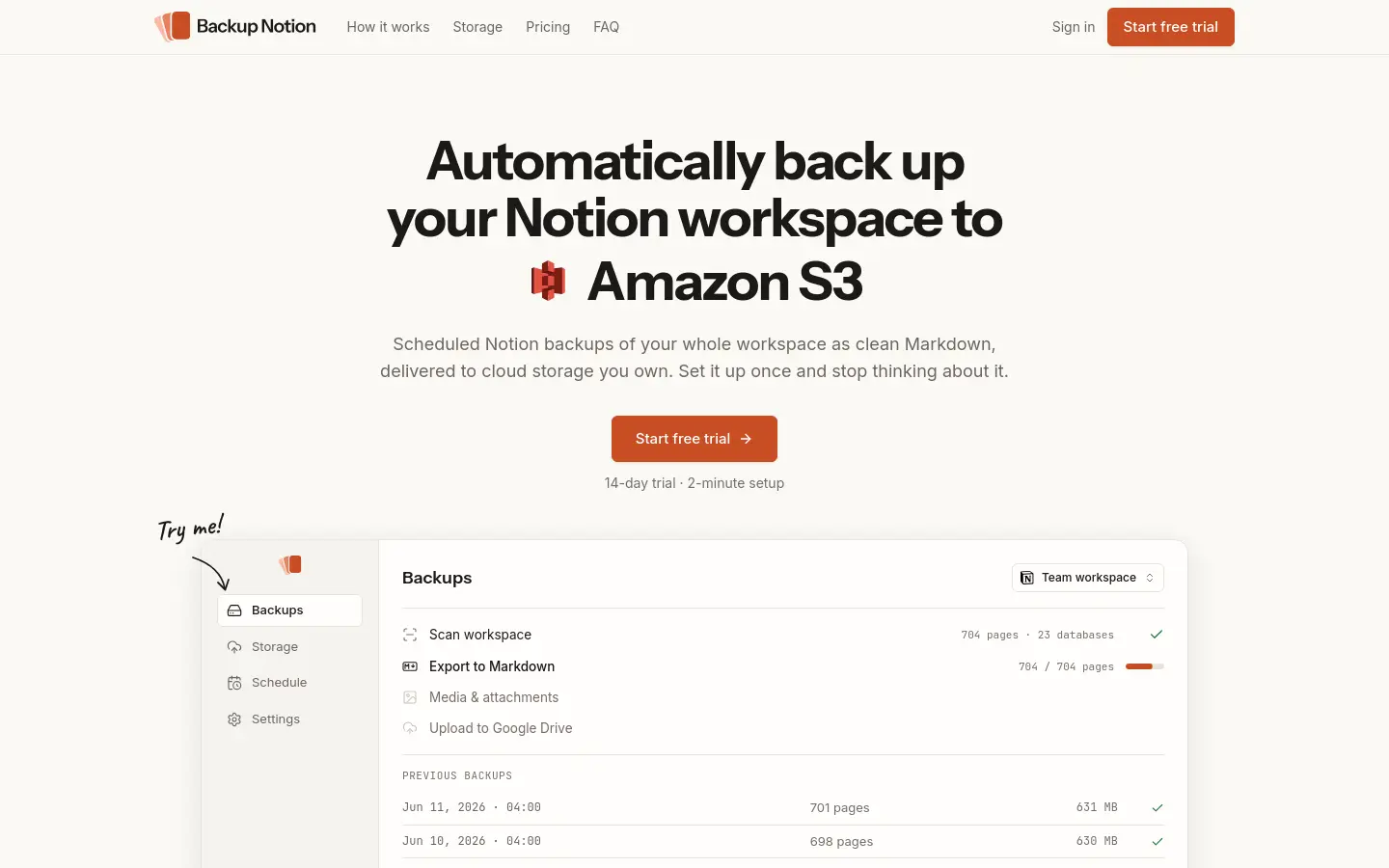
Automatic Notion backups to cloud storage you own
Personal $9/mo, Teams $20/mo, 14-day trialSubscription
About
Features
- Scheduled Notion backups: daily, weekly or monthly, plus Backup now
- Delivered to Google Drive, Amazon S3, Backblaze B2, Cloudflare R2 or Nextcloud
- Pages and subpages as clean Markdown, with databases, images and attachments
- Offline HTML viewer in every archive: browse and search without Notion
- Read-only Notion access, chosen per teamspace or page, revocable anytime
- Dated zip archives with a README, run history and an email if a run fails
- No backup data kept on Backup Notion's servers; data processed in transit only
- Teams plan: page comments, raw JSON copy of every page, change log
Similar products
All SaaS productsHumanPen
Free to tryDR 2Document-level rewrite for AI-flagged passages—with report literacy first.
aieducationproductivity
Listed Oct 12, 2026Verified live
BookTuning
FreeDR 20Free Spotify playlists matched to any book's mood, plus a reading-sprint timer
productivityaieducation
Listed Oct 12, 2026Verified live
OneLence
FreemiumDR 52Find where your marketing growth really comes from
saasmarketinganalytics
Listed Oct 12, 2026Verified live
Shopmanager
From $12/monDR 0Know your stock, know your profit
saasproductivityanalyticssalesfinance
Listed Oct 12, 2026Verified live
Featured
Feature your productdcs4
FeaturedFree searchDR 4Find available 4-letter .com domains before they hit the open market
saasdomainsmarketplace
Listed Sep 19, 2026Verified live
SimilarClip
FeaturedFrom $49/mo · pay-per-minute top-upsDR 0Launch a YouTube channel that runs itself
aisaasmarketingproductivity
Listed Oct 7, 2026Verified live
tta1
FeaturedFree with an accountDR 4Listen to any article, PDF or screenshot — text to speech in 25 languages.
saasproductivityai
Listed Oct 2, 2026Verified live