Rinvayo logo

Rinvayo

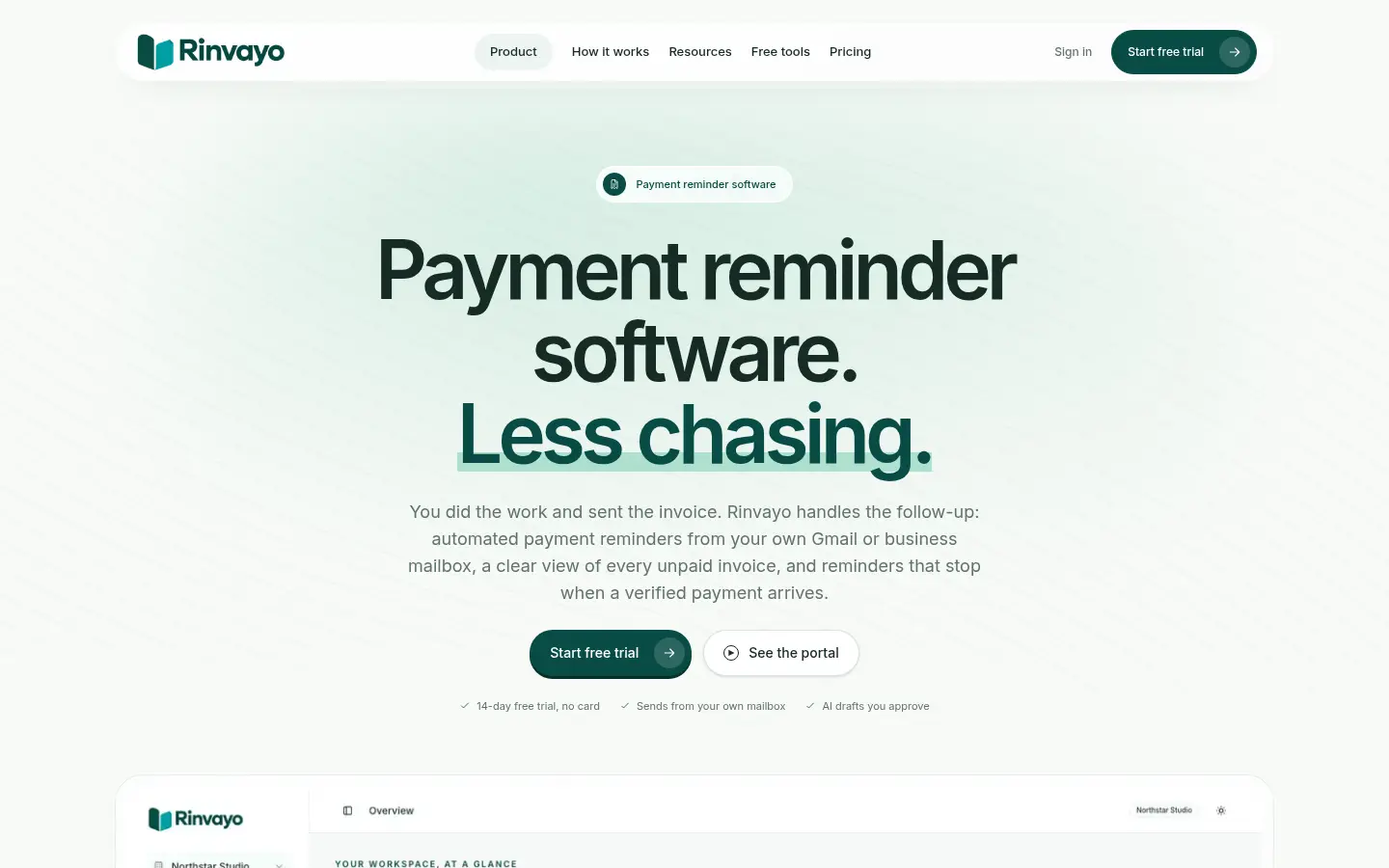
Automated payment reminders sent from your own Gmail or business email. Track partial payments and stop chasing once invoices are paid.
Visit website
rinvayo.com

About Rinvayo

Rinvayo is payment reminder software for freelancers, agencies and small finance teams who are tired of chasing unpaid invoices by hand. Late payment is normal. In the June quarter of 2026, US small businesses waited an average of 29.3 days to be paid, and payments arrived 8.5 days after their agreed terms (Xero Small Business Insights). Most late invoices are simply stuck, and a clear, well-timed question fixes them. Rinvayo makes asking that question routine. HOW IT WORKS 1. Add your invoices. Enter them manually, import a CSV, or upload a PDF and review the extracted details before saving. 2. Choose a reminder sequence. Set steps around each due date, for example 3 days before, on the due date, then 3, 7 and 14 days overdue. Pick your time zone, working days and sending window, so reminders never land at 2 a.m. or on a Sunday. 3. Send from your own mailbox. Connect a Gmail account (send-only access) or a business SMTP mailbox. Clients see a sender they already know instead of a no-reply address, and their replies arrive in your normal inbox. 4. Record verified payments. Log full and partial payments, including one payment split across several invoices. Every reminder uses the current remaining balance, so a client who has paid $400 of $1,200 is asked about $800, not the full amount. 5. Stop at the right moment. When a verified payment settles an invoice in full, future reminders stop automatically. You can also pause a sequence at any time, for example when a client promises a date or questions an invoice. WHAT MAKES IT DIFFERENT - Your sender, your relationship. Reminders come from the address your clients already trust, not from a third-party domain. - Verified payments only. A client saying "I've paid" does not close an invoice. Reminders stop when the payment is confirmed and recorded. - Careful sending. Each reminder is checked again just before it goes out, against the current balance, the pause state and the recipient. Uncertain sends are held for review instead of being blindly retried, so clients are not sent the same email twice. - AI that waits for you. Optional AI drafts can help with wording, but every AI-written invoice reminder needs human approval before it is sent. ALSO INCLUDED - Reusable email templates with invoice details filled in at send time - Aging and collections reports, with CSV export - Team roles and permissions - Two-factor authentication to protect your account - Multi-currency invoices, kept in their original currency WHO IT IS FOR Freelancers and consultants, agencies juggling many client invoices, small finance teams that need a shared follow-up process, and service businesses in India and internationally. Rinvayo works alongside your existing accounting software rather than replacing it. WHAT IT DOES NOT DO (YET) Rinvayo does not currently send SMS or WhatsApp reminders, connect to Outlook, sync automatically with bank feeds or accounting platforms, or read incoming replies. Payments are recorded by your team after verification. FREE TOOLS AND PRICING Try the free payment reminder email generator, Net 30 due-date calculator and invoice aging calculator at rinvayo.com/tools, with no sign-up. Plans are billed monthly per workspace in USD or INR, with a 14-day free trial and no card required.

Features

  • Reminder sequences before and after every due date
  • Sends from your own Gmail or business SMTP mailbox
  • Tracks full and partial payments with accurate balances
  • Stops reminders when a verified payment settles the invoice
  • Working days, sending windows and pause controls
  • Optional AI drafts that always need your approval
  • Aging and collections reports with CSV export
  • Invoice import by CSV or reviewed PDF extraction

Pinned by their makers. Products in the same categories show first.

Feature your product →